Using Woocer is easy.
1- Go to: WooCommerce > Settings > Advanced > REST API.
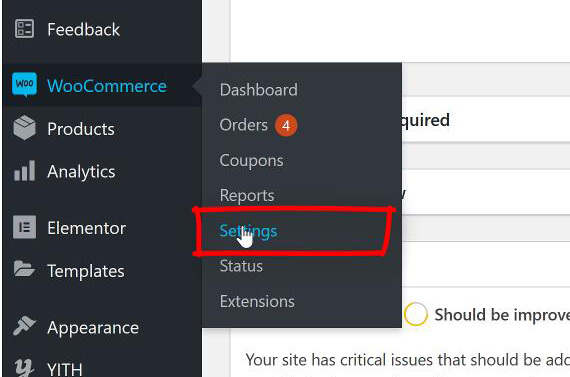
2- Select Add Key. Add a Description. Make sure you give Read/Write access. Copy and paste the keys inside the app. You can also use QrCode scanner. We do not store your keys on our servers and we don’t have access to any of your information. Your keys are encrypted on your devices. 3- Go to: Settings > Permalinks
4- Make sure Post Name is selected.
Now you can enjoy using Woocer without any plugins.